

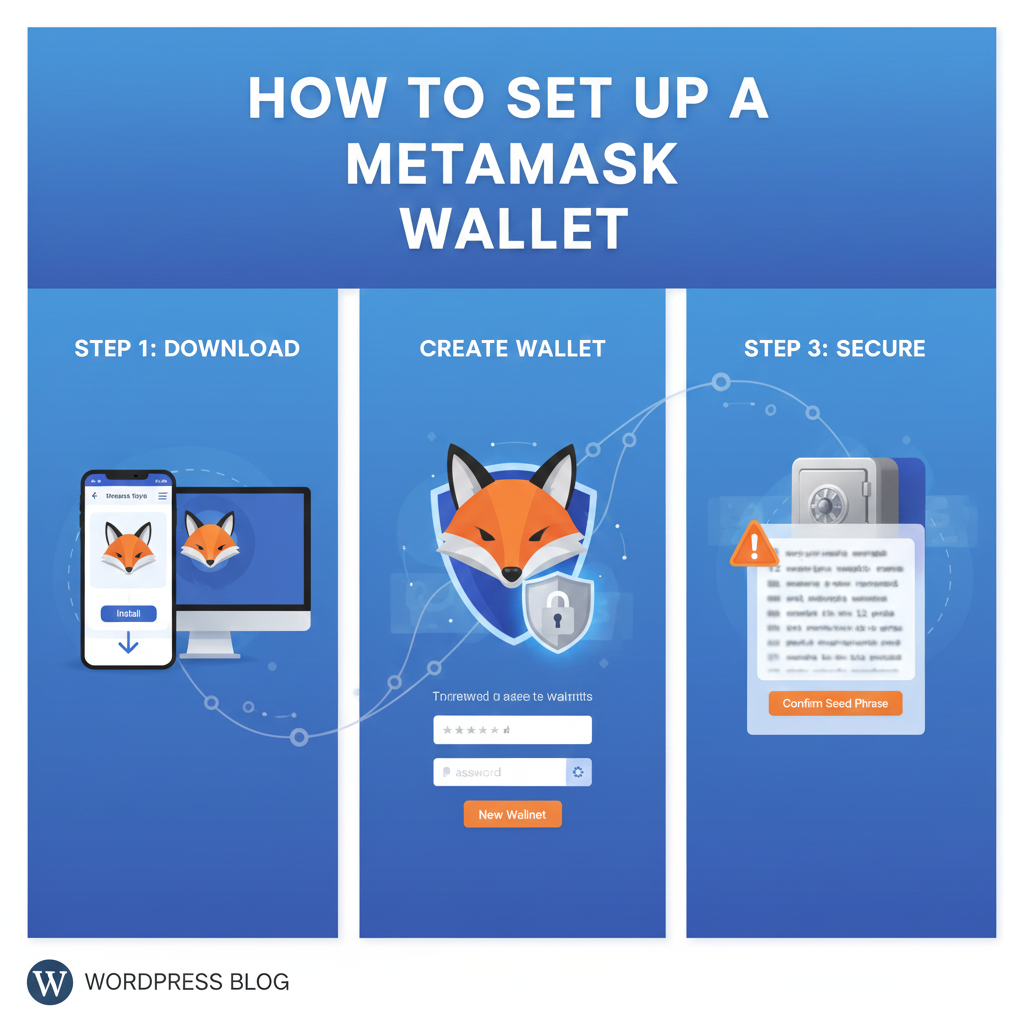
Step-by-Step Beginner Guide
MetaMask has become one of the most popular cryptocurrency wallets, especially for users exploring Web3, decentralized applications (dApps), and NFTs. It allows you to store, send, receive, and swap crypto assets securely — all while giving you full ownership of your private keys.
If you’re new to crypto and want to get started, this guide will walk you through how to set up a MetaMask wallet easily and safely.
What is MetaMask?
MetaMask is a software cryptocurrency wallet available as a browser extension and mobile app. It supports Ethereum and Ethereum-based tokens (ERC-20, ERC-721, etc.) and allows users to interact with decentralized platforms like OpenSea, Uniswap, Axie Infinity, and more.
Most importantly, you control your own private keys, meaning your crypto is entirely self-custodial.
How to Install and Set Up a MetaMask Wallet
Follow the step-by-step guide below:
🔹 Step 1: Download MetaMask from the Official Website
Go to the official website: metamask.io
You can download MetaMask as:
- Browser extension (Chrome, Firefox, Brave, Edge)
- Mobile app (Android / iOS)
⚠ Do NOT download MetaMask from unofficial links to avoid scams or phishing attacks.
🔹 Step 2: Create a New Wallet
After installation:
- Click “Create a Wallet”
- Agree or decline optional data/analytics sharing
- Create a strong password
➡ Your password will protect access on the device, but it is NOT your recovery method.
🔹 Step 3: Secure Your Secret Recovery Phrase
MetaMask will show you a 12-word Secret Recovery Phrase (Seed Phrase).
Write it down and store it securely — offline.
📌 Never:
- Share the recovery phrase with anyone
- Store it in cloud storage, screenshots, or messaging apps
📌 If you lose this phrase, you lose access to your wallet forever.
🔹 Step 4: Confirm Your Recovery Phrase
MetaMask will ask you to confirm the 12 words in the correct order.
Once confirmed → your wallet is now created!
🔹 Step 5: Add Crypto to Your Wallet
You can fund your wallet by:
- Buying crypto using MetaMask’s “Buy” feature (credit/debit card options available in many countries)
- Receiving crypto from another wallet or exchange
- Transferring ETH from a centralized exchange like Binance, Coinbase, Kraken, etc.
➡ Copy your wallet address (starts with 0x…) to receive funds.
Using MetaMask Safely — Tips for Beginners
To keep your assets safe, follow these essential practices:
✔ Always double-check URLs before connecting wallet
✔ Never share your seed phrase with anyone
✔ Use hardware wallet integration for large holdings
✔ Beware of phishing websites and fake airdrops
✔ Keep your device secure and browsers updated
🔐 Remember: MetaMask cannot recover your seed phrase if you lose it — you are the owner of the wallet.
Final Thoughts
MetaMask is one of the simplest ways to step into the world of Web3 — whether you’re trading tokens, collecting NFTs, or exploring decentralized finance (DeFi). Setting it up takes just a few minutes, but ensuring security should always remain your priority.
With MetaMask, you hold true ownership of your digital assets — and that’s the power of decentralized finance.

Leave a Reply